| Branch: 3.Administration |
Feature: HelpDesk |
|
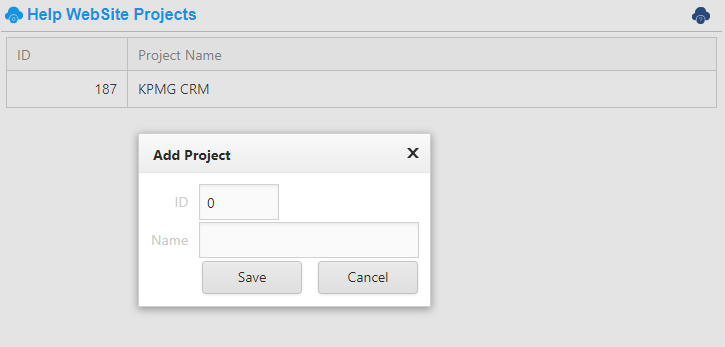
| Description:This feature defines which AtemisCloud solution get access to the online HelpDesk feature. |
|
|
|
| Branch: 6.HR |
Feature: Statual Reports |
|
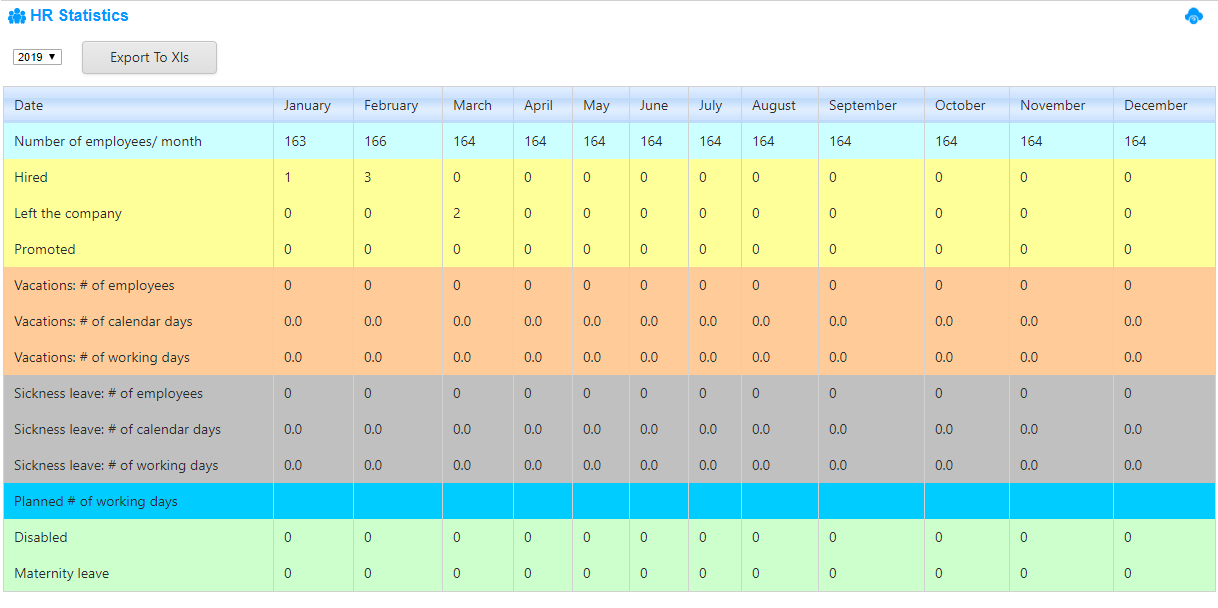
| Description:This report (Nakaz) is designed according to the Russian speaking countries requirements. It can be printed and sent to the States server by web service. |
|
|
|
| Branch: 7.Backoffice |
Feature: Calendar Report Management |
|
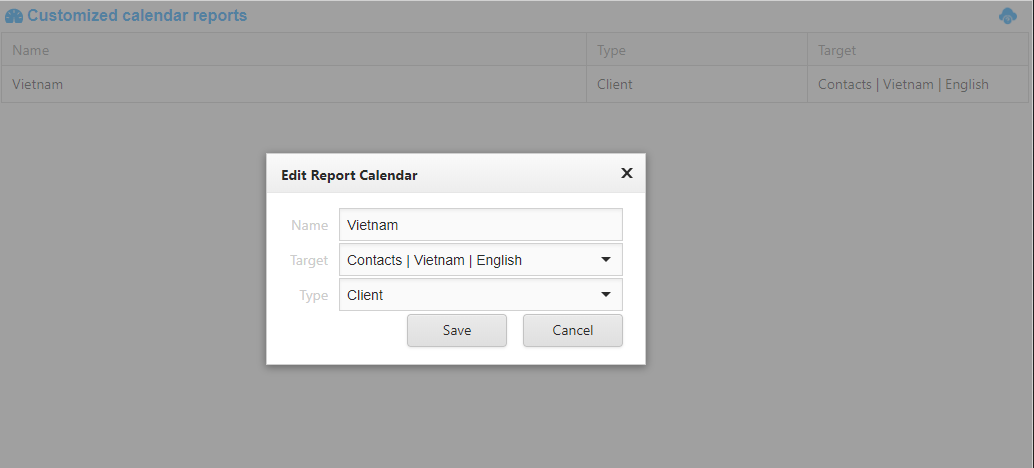
| Description:The calendar report is an AtemisCloud object. This report lists all companies within a group (target segment) and displays all activities made for the last 30 days.
Each report will then displays the activities of one single group. With this Calendar Report Management feature, you can create as many reports as you wish for several groups of users. One user can see only the calendar reports available to him/her on the left menu.
Each user can get access to 1 or more reports |
|
|
|
| Branch: 6.HR |
Feature: Employees List |
|
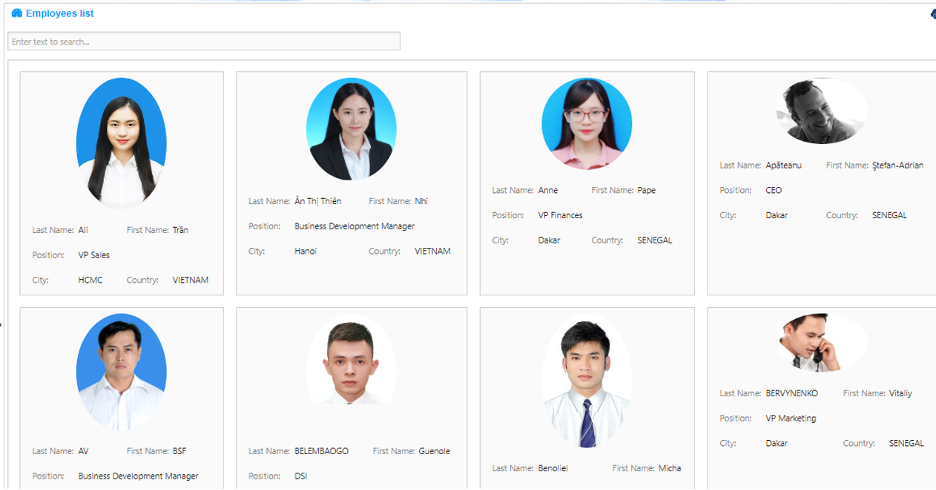
| Description:This feature provides the list of employees with their card. Quick to load and efficient. |
|
|
|
| Branch: 2.Marketing |
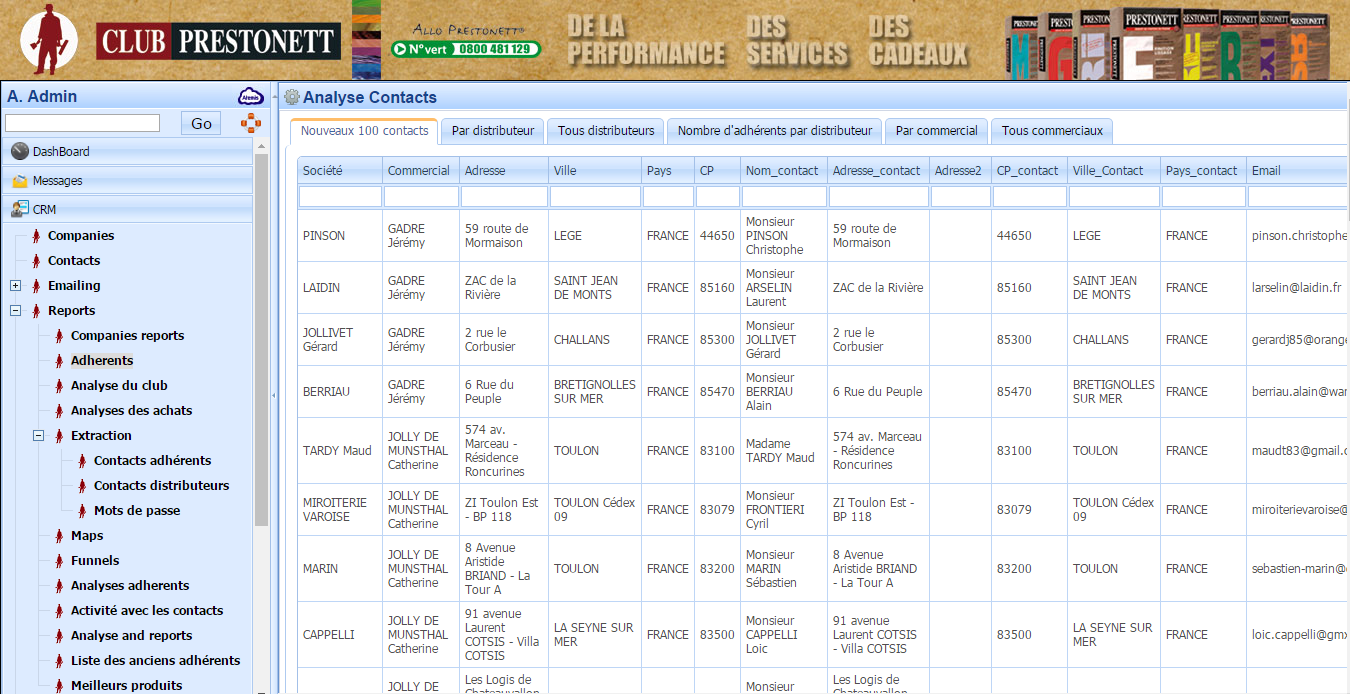
Feature: Loyalty Members and Movements |
|
| Description:This report displays the members and their movements (purchases / gifts) for the selected period . |
|
|
|
| Branch: 2.Marketing |
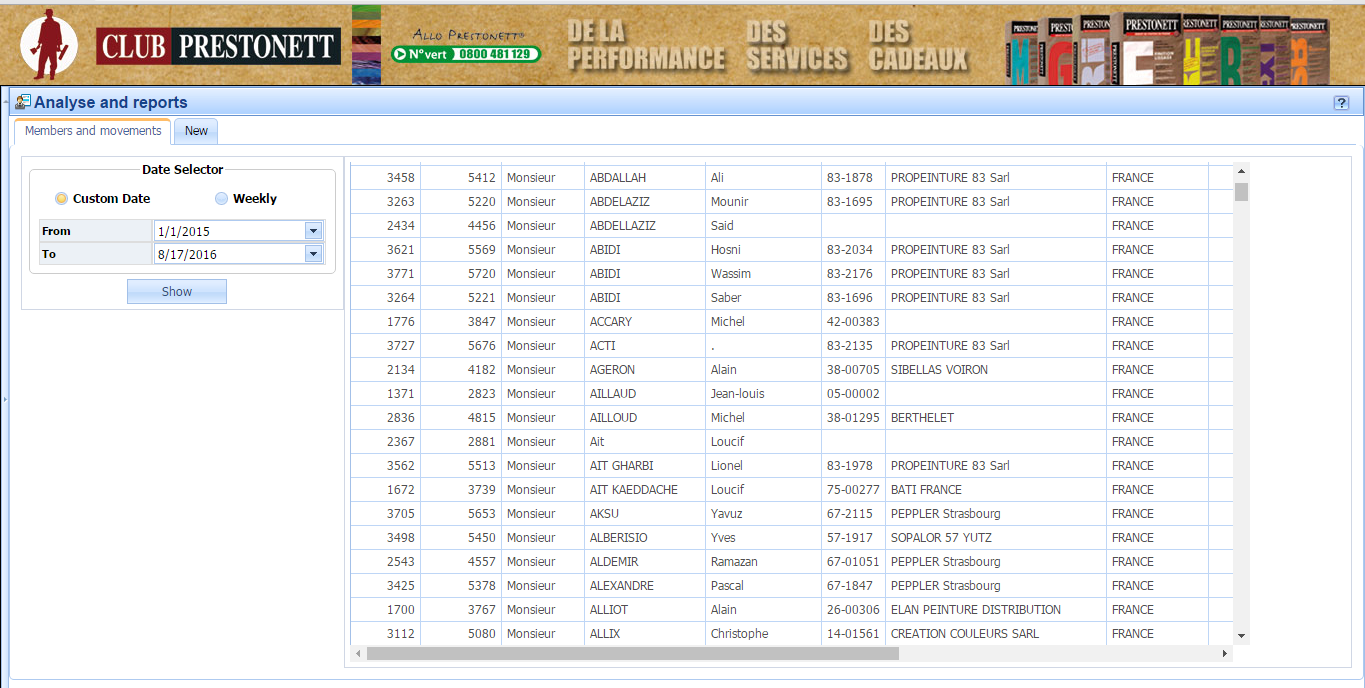
Feature: Loyalty New Members |
|
| Description:This report displays the new members for the period selected. |
|
|
|
| Branch: 2.Marketing |
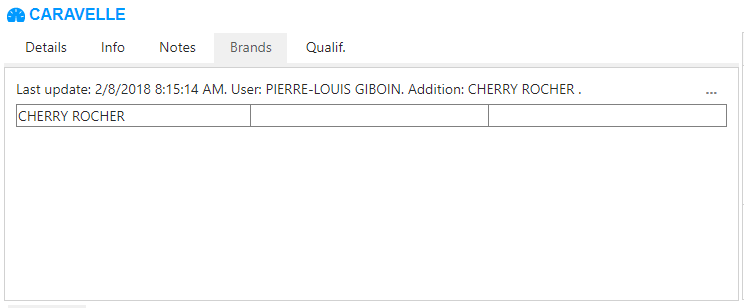
Feature: Brands by POS |
|
| Description:This feature lists the brands sold by retail Point of Sales. (Image to be updated) |
|
|
|
| Branch: 2.Marketing |
Feature: Brands by chain |
|
| Description:This feature lists the brands sold by retail chain. (Image to be updated) |
|
|
|
| Branch: 2.Marketing |
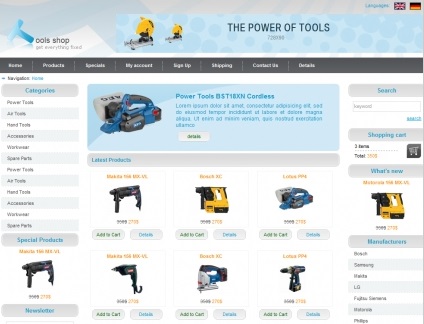
Feature: Webshop | HomePage |
|
| Description:This feature displays the home page of your webshop . The full content provided by the core AtemisCloud webshop feature. |
|
|
|
| Branch: 2.Marketing |
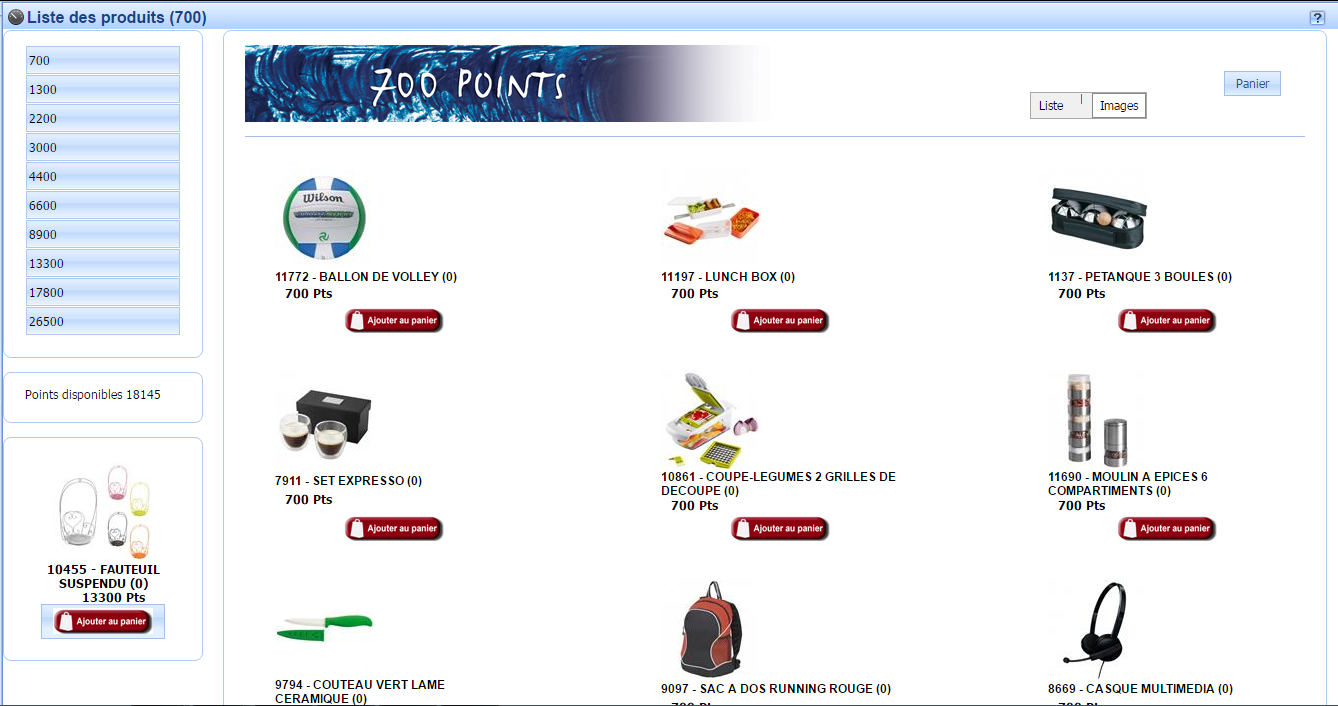
Feature: Webshop | Products List |
|
| Description:This feature displays the list of your products with their details. The list and details are provided by the core AtemisCloud webshop feature. |
|
|
|